
用 iPhone 和 Apple Watch 为房间解锁
用 Apple 钱包中的钥匙进入酒店空间,从你的酒店房间到健身区和其他公共空间。只需将你的 iPhone 或 Apple Watch 靠近门锁即可。简单、方便、私密。
设置简单快捷
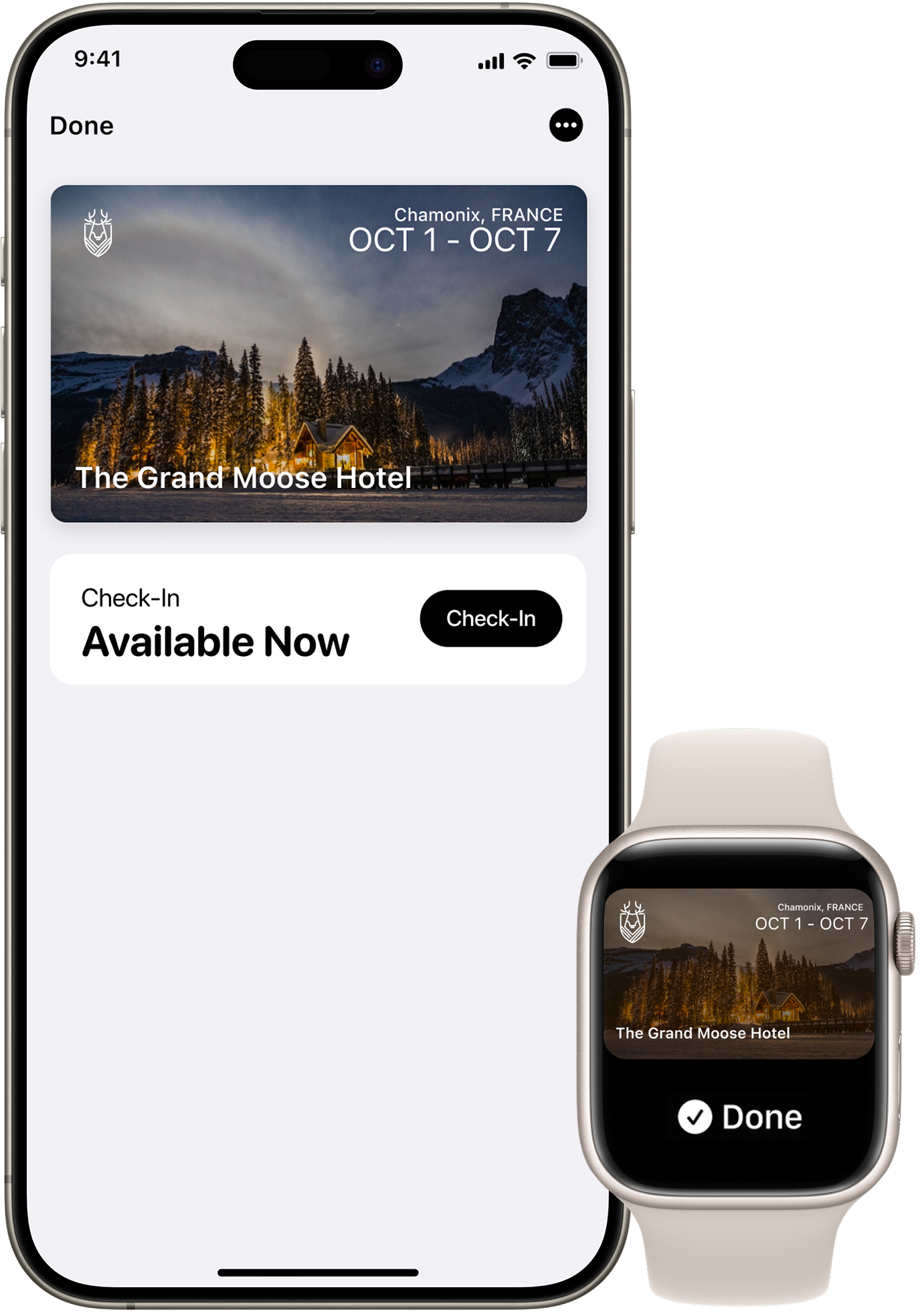
抵达前,打开酒店或度假村 app,将房门钥匙添加到 iPhone 或 Apple Watch 上的 Apple 钱包。一旦你在 app 中完成入住程序,你的房门钥匙就会被激活,随时可以使用。然后,只需使用 iPhone 或 Apple Watch 解锁房间和其他空间即可。

快速模式
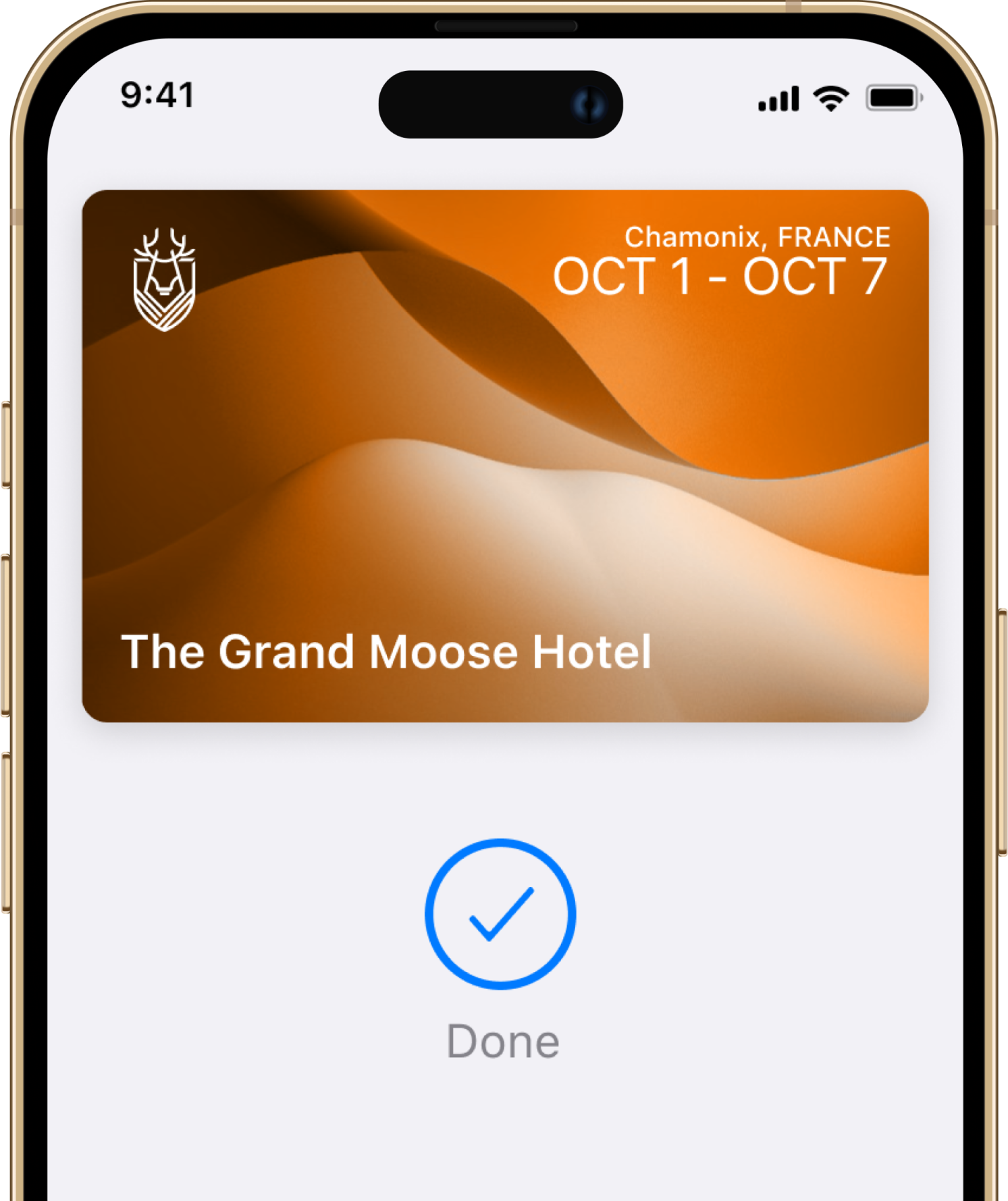
使用快捷模式,你无需唤醒或解锁 iPhone 或 Apple Watch。

Easy check-in
跳过大堂,直接进入房间,无需实体钥匙。

自动更新房间
It’s easy, convenient, and private.

动力储备
即使没有充电,你的 iPhone 也能让你进去。
有问题吗?答案在此。
给想了解具体运作机制的酒店从业者的直白解答。
Troubleshooting
I cannot add or use my room key in Apple Wallet. What do I do?
Try these basic troubleshooting steps: update to the latest version of iOS or watchOS; confirm that you have Face ID, Touch ID, or a passcode set on your device; check that your Apple Account is signed into iCloud with two-factor authentication turned on; and check whether Apple's terms and conditions were accepted in your settings when logging into iCloud.
为什么在某些酒店只能使用 Apple 钱包中的房间钥匙?
There are currently a select number of hotels that can support room key in Apple Wallet. Other properties will be adding support soon.
Security and Privacy
Apple Wallet 中的钥匙有多安全?
When your room key is added to Apple Wallet on your iPhone and Apple Watch, it is stored on your device, which means Apple does not see the spaces you access or when. Your data is private and secure.
如果我的iPhone或Apple Watch丢失或被盗,我该怎么办?
Use the Find My app or iCloud.com to suspend, deactivate or reactivate your device in Apple Wallet.
What are the best practices for securely sharing my room key in Apple Wallet?
Share your room key with trusted individuals only. For secure delivery, use Messages, with end-to-end encryption. You can also protect shared keys with a PIN code, which should be shared through a secondary channel.
If I lose my phone, what happens to the room keys I have shared with others?
If you lose your iPhone or Apple Watch, contact the front desk immediately. They can deactivate your room key. Additionally, use the Find My app or iCloud.com to mark your device as lost. This will deactivate all your cards and keys in Apple Wallet as soon as your device is connected. The keys you have shared with others will continue to function unless specifically revoked by the front desk or through your Apple Wallet.
Does sharing my room key give others access to my personal information?
No. When you share your room key in Apple Wallet, you are only sharing access to your room. No personal information, reservation details, or payment information is shared.
Sharing Your Key
我可以将我的房卡分享到Apple Wallet中,供同住的其他客人使用吗?
是的。您可以安全地将房卡分享给同住的家人或朋友。只需在Apple Wallet中打开房卡,然后点击分享按钮即可。
我分享房卡的次数有限制吗?
You can share your room key with a limited number of people at a time. Check with your hotel for the exact limit.
Do the people I share my room key with need a reservation at the hotel?
No, the people you share your room key with do not need their own reservation. However, they must be authorised guests staying in your room, and the total number of guests must comply with your room's occupancy limits.
我可以将房卡分享给使用安卓设备的人吗?
At this time, recipients must have an iPhone or Apple Watch in order to add a room key shared through Apple Wallet to their device.
收件人能否将我的房卡分享给其他人?
不,通过密钥共享添加到Apple Wallet的密钥无法由接收方再次共享。只有原始发送者才能发起共享。
Using Your Key
如果预订了多间客房,能否在 Apple 钱包中使用客房钥匙?
是的,您预订的每间客房的房门钥匙都将自动激活。
在哪里可以使用 Apple 钱包中的房间钥匙?
In addition to your room, your room key can also be used to access the same hotel spaces where you would use a physical key, such as the lift, main entrance, night entrance, fitness centre and common areas. Room key access to other areas may differ by hotel location.
我需要解锁iPhone才能在Apple Wallet中使用房卡吗?
With Express Mode, you do not need to wake or unlock your iPhone or Apple Watch to use your room key in Apple Wallet. By default, Express Mode is turned on.
Can I still use my room key in Apple Wallet if my iPhone needs to be charged?
Power Reserve provides up to five hours of access after your iPhone battery needs to be charged. This feature is only available on iPhone XS, iPhone XS Max, and iPhone XR or newer.
On how many devices can I use my room key in Apple Wallet?
You can use your room key on up to two iPhones and two Apple Watches. They all need to be signed into the same iCloud account and Apple Account.
入门指南
什么是Apple Wallet中的房间钥匙?
You can add your room key to Apple Wallet and access hotel spaces with only your iPhone and Apple Watch. It is easy, convenient, and private.
如何在 Apple 钱包中设置和使用房间钥匙?
A room key can be added to Apple Wallet after you book a reservation. After completing the online check-in, tap the Wallet icon to add your key. The room key will automatically activate once you check in and your room has been assigned. To use your room key, simply hold your iPhone or Apple Watch near the door lock.
要开始使用Apple Wallet中的房间钥匙,我需要准备什么?
An iPhone or Apple Watch running the latest version of iOS or watchOS, and an Apple Account signed into iCloud.
如何在 Apple Watch 上添加房间钥匙?
当您将房卡添加到iPhone上的Apple Wallet时,房卡会自动同步至配对Apple Watch的Apple Wallet。添加完成后,只需将Apple Watch靠近读卡器即可。
还有疑问吗?
与真人沟通。我们深谙待客之道。
经过认证、值得信赖且安全可靠