
Welcome the Whole Group at Once
Check-ins, room keys, and guest messages handled in one place, so a group arriving together doesn't mean a queue at the desk.

在数十万间客房中,累计接待了7000多万名宾客。

















































Where Group Stays Get Tricky Today
酒店团队告诉我们,有三件事他们希望优先解决。

Everyone Arrives at Once
Thirty guests in the lobby at 15:00 means thirty check-ins at one desk, and a long wait for the first and the last.

Keys and Rooms to Juggle
Keys for several rooms, spare cards, and last-minute changes mean the desk spends the first hour of an event encoding and swapping.

Questions From Every Direction
Organisers and attendees ask by phone, email, and WhatsApp. Answers get repeated, and some never get sent.

Make arrivals feel organised, even when everyone lands together.
Guests check in on their phone before they arrive and message one team on the channel they prefer, so the desk deals with the exceptions, not every arrival.
Check In Before the Coach Arrives
Phone check-in, ID verification, and automatic room assignment cut the desk down to the guests who need a person.
Keys for Every Room, No Encoding
Multi-room wallet keys let guests open their doors from their phone, and you can revoke any key instantly if plans change.

One Inbox for Organisers and Attendees
Messages from every channel land in a shared inbox, with ready-made replies and translation across more than 100 languages.

Sell Extras to the Whole Group
A product catalogue with flexible pricing lets guests add extras from their phone. You never oversell, and each purchase reaches the right team as a request.
预定Demo
请与我们的宾客体验专家之一进行交流。30分钟,内容将围绕您的团队和您的酒店量身定制。
真实的酒店。
真实的评价。
真实的评价。
来听听那些每天与我们合作的酒店团队怎么说。
立即升级您的数字化宾客体验。
Book 30 minutes with an Alliants expert. Bring a recent group or event and we'll show you how the arrival would run.
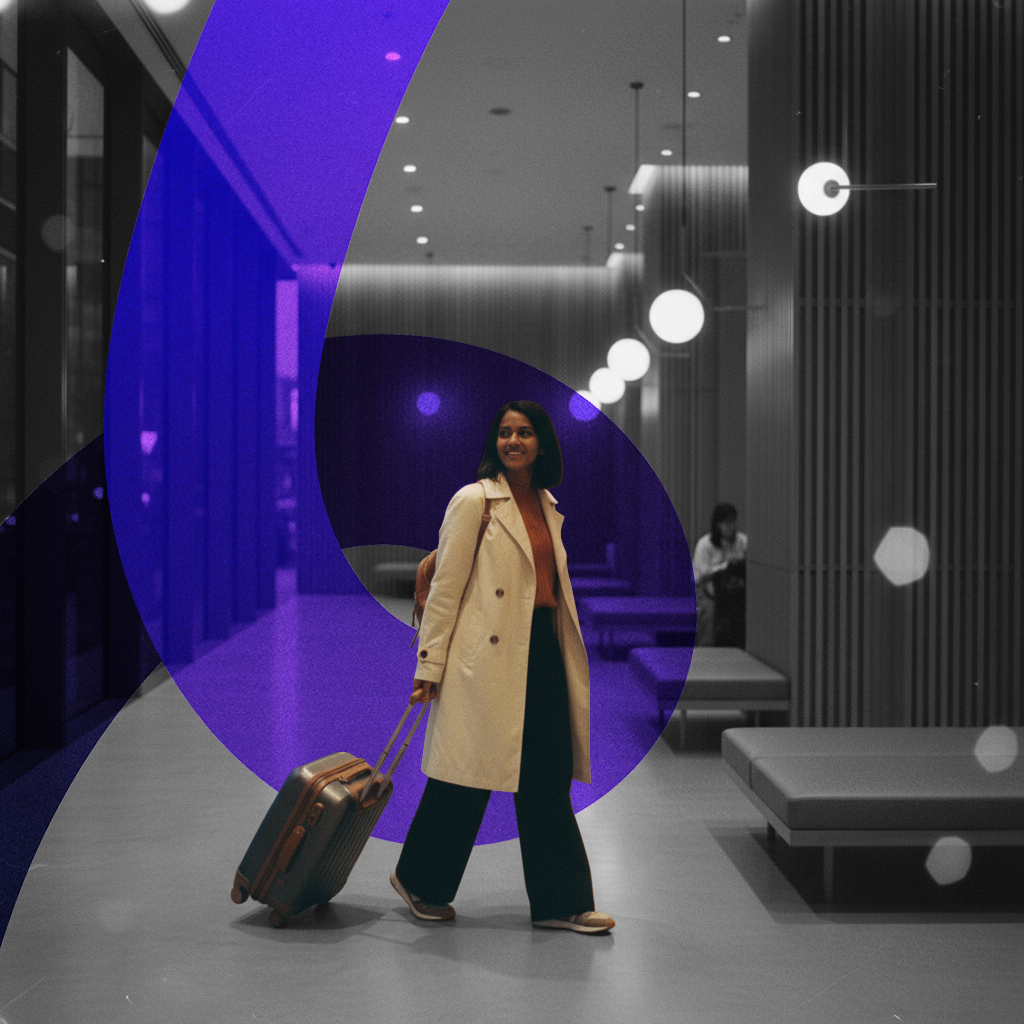
酒店团队的测评结果
我们关注真正重要的事情。回复更迅速、操作更简便、为客人腾出更多时间。
客房位于Alliants
更快地回复访客
酒店及度假村
宾客体验
快速设置。
终身支持。
我们负责处理繁重的工作,让您的团队能够专注于酒店的日常运营。只需四个简单步骤即可上线,只要您与我们合作,我们就会持续为您提供支持和培训。


启动
从一通电话开始
我们将与负责为您进行系统部署的团队进行电话沟通。届时我们将确认您将上线哪些产品、这些产品如何与您的物业管理系统(PMS)对接,以及酒店方面的对接人是谁。

设置
您提出需求,我们负责开发
您只需填写一份设置表单:您的PMS系统、宾客频道、徽标和配色方案。我们将为您搭建宾客页面,连接您的系统,并在任何宾客看到这些内容之前,通过示例请求和预订对所有功能进行测试。

培训
动手实践,而非幻灯片演示
一场在线实时培训,时长约一小时,期间您的团队将亲自操作该平台,而非观看他人演示。您的首席礼宾专员可借助产品指南对其他成员进行培训。

上线
欢迎第一位客人
客户开始使用该系统时,您的团队早已熟悉它。正式上线只是开始,而非终点。从第一天起,直到下一位新员工入职,我们都会持续为您提供支持和培训。
您的系统,终于能够相互通信了。
您不需要更多的软件,而是需要更少但能协同工作的工具。Alliants 将整个住宿体验整合到一个平台。
加入这些酒店及度假村的行列,实现95%的宾客参与率
我们会根据您的客房、团队以及当前的宾客体验流程,为您量身定制导览流程。
有问题吗?答案在此。
给想了解具体运作机制的酒店从业者的直白解答。
基础知识
How does Alliants help when a whole group arrives at once?
Guests check in on their own phone before they arrive, get their room key on it once they are checked in, and message one shared team inbox on the channel they prefer. Your desk deals with the exceptions, not every arrival. It runs on Alliants Contactless, Alliants Digital Keys and Alliants Messaging, with Alliants Merchandising for selling extras, all on the same guest profile and booking.
How is that different from how we handle group arrivals today?
Instead of a lobby full of check-ins at one desk, guests do the paperwork on their phones beforehand. Instead of encoding and swapping cards, keys arrive on phones and can be switched off at once. Instead of repeating the same answer by phone, email and WhatsApp, your team replies from one inbox, with every conversation tied to the guest's profile.
Does it replace our front desk or our property management system?
No to both. Guests who want a conversation still get one, and guests who prefer their phone skip the queue. Alliants works alongside your property management system (PMS), keeping bookings, rooms and guest details in step and sending check-ins, check-outs and profile edits back to it. Your bookings stay in the system you already run.
Who on our team would use it day to day?
Front office, reservations and guest services use Alliants Contactless to see what each guest has completed. Front office, guest services and IT manage every key from one screen in Alliants Digital Keys. Front office, guest services, concierge and department teams share Alliants Messaging, and revenue and guest experience teams set up extras in Alliants Merchandising. Each person sees only what their role and property allow.
致您的宾客
What do attendees do before they arrive?
They work through a short checklist on their stay page. They review details prefilled from the booking, choose an arrival time within the hours you allow, add a payment card in a secure form, and sign your registration card and terms. If you switch it on, they verify their photo ID too. The checklist shows what is done and what is left.
How do attendees get their room key?
Once checked in, iPhone guests add their key to Apple Wallet from the guest web app and open the door with a tap of their iPhone or Apple Watch. Android guests use your hotel's own app, and Google Wallet keys exist on some lock systems. Every room on a booking gets its own key, so someone who booked several rooms gets one for each. Availability depends on your property; ask your Alliants contact.
Can people sharing a room each get a key?
Yes, where it is available. The guest shares their room key using Apple Wallet's own sharing, and each person gets their own pass that the owner can manage. You set how many invitations each key allows, and keys shared before check-in do not show the room number. Availability depends on your property; ask your Alliants contact.
What if the coach arrives before rooms are ready?
You choose what guests see. With the room-ready journey switched on, checked-in guests get a push notification or text message when their room has been inspected. Where your property management system (PMS) reports room readiness, guests can claim a room only once it is ready. Guests who would rather talk to someone can still go to the front desk.
How do attendees ask questions, and do they have to write in English?
Guests message on the channel they already use, including WhatsApp, text message, email, web chat and the guest web app. They write in their own language and your team replies in theirs, with translation both ways across more than 100 languages. Staff always see the guest's original message beside each translation, and an out-of-hours reply can be switched on for each department.
致您的团队
What does the desk see on arrival day?
A dated queue of upcoming arrivals with each guest's check-in status. Every booking has a check-in sheet showing each completed step, the signed registration card and why self-service check-in may be blocked. Staff can assign rooms and submit check-in on a guest's behalf, and the Today page lists arrivals with contact details, so the guests who still need a person are easy to spot.
Can rooms be assigned automatically for a whole group?
You decide, property by property. With automatic assignment on, rooms are assigned and check-ins approved as each guest completes check-in, and a digital key can follow straight away. Otherwise staff assign rooms from the arrivals queue. Talk to our team about how a full block or rooming list would run at your property.
What happens to keys if a room changes or plans change?
Your property management system (PMS) drives it, so nobody has to remember to cancel a key. When a guest changes room, the old key is revoked and a new one issued, and keys are revoked straight away at check-out. If plans change or a phone goes missing, staff revoke any key from the keys screen, with an optional reason, then issue a new one.
How does one inbox cope with organisers and attendees together?
Each channel routes to a default department, and staff can assign, transfer or bring another department into a conversation. Smart views with live counts show what needs attention, and staff can leave internal notes and @mention colleagues. One template library of approved replies covers every channel, so the questions every group asks get quick, consistent answers. Unanswered messages escalate under your rules.
Can we message the whole group at once with an announcement?
Messaging is built for conversations. For a one-to-many announcement, Alliants Engage sends campaigns by email, text message or WhatsApp to an audience your team defines, checking each guest's consent first, with a live count and masked preview before anything goes out. Talk to our team about building an audience for a specific group or event.
设置与集成
Which property management systems does it work with?
Check-in and check-out are confirmed with HotelKey, Apaleo and Mews, switched on per property, and Shiji provides room readiness. Check-out is also written back to systems such as Oracle OPERA Cloud, Stayntouch and Infor, and check-in write-back to Oracle OPERA, Infor and iReckonu is possible. Availability depends on your property, and we confirm your exact systems before you commit.
Does it work with our door locks?
Yes, if your property runs a supported lock system: Salto, dormakaba (including Ambiance, System 6000 and LEGIC) or Assa Abloy (including Vostio). You choose the lock system for each property, and we set up the connection during onboarding. The staff app shows whether each property's lock system is reachable and which key types it supports.
Do we have to switch on all four products?
No. Most hotels start with a bundle built around one goal, such as a smoother arrival or digital keys, and add more as they grow. Modules are switched on per brand and per property. For Contactless, we set up check-in steps, arrival hours, automatic room assignment, key delivery and write-back to your property management system for each property during onboarding.
Do staff or guests need to install anything?
Staff use alliants.ai in any modern browser, and guests check in and message from a web app that opens from a link, with nothing to download. Wallet keys live in Apple Wallet on an iPhone or Apple Watch. Android guests use your hotel's own app for keys, so that is the one place a download may be needed.
Can it connect to our event management or group sales system?
Alliants connects to your property management system and writes changes back to it. For your own tools there is a GraphQL application programming interface (API), the same one every Alliants app uses, plus REST endpoints for profiles, bookings, requests and locations, with keys limited to what each integration needs. Signed webhooks can also pass platform events to your systems. Talk to our team about the group sales tools you use.
安全与数据
Alliants 是否通过了信息安全认证?
Yes. Alliants holds ISO 27001 certification, and security runs through the platform, from how staff sign in to how guest data is stored and erased. If your security or legal team needs to review documentation before a booking is signed off, talk to our team and we will send the compliance documents they need.
Where is our guests' data hosted?
On Amazon Web Services, in one regional deployment for your brand: Europe, the United States or Asia Pacific. Your guest data sits in its own dedicated database, is encrypted in transit, and is never matched or shared with another brand.
Who on our team can see guest details or issue and revoke keys?
Only the people you give permission to. Roles are scoped to your brand, a property or a department, with separate permissions for sensitive guest details, for viewing keys, and for issuing or revoking them. Staff sign in with your own single sign-on or with passkeys and passwords, multi-factor authentication can be required, and access ends as soon as a colleague is deactivated.
What happens to the ID checks and signed forms we collect?
We capture the guest's explicit consent before any ID check, and your team sees the outcome on the check-in sheet. The signed registration card is saved as a PDF, stored privately and opened only by short-lived links, and the exact terms the guest agreed to are frozen at signing. If a guest asks to be erased, that includes their registration cards.
How are card details protected when guests add them before arrival?
Guests type their card into the payment provider's secure hosted form, following the Payment Card Industry (PCI) SAQ A model, and a PCI DSS Level 1 provider holds the card. Card numbers never pass through Alliants servers, and your team never has to write one down or key one in. Viewing a full card number needs its own permission.
入门指南
How can we see it working for a group arrival?
Book 30 minutes with an Alliants expert. Bring a recent group or event and we will show you how the arrival would run, with the products working in a hotel like yours. We will also talk through how it would fit your properties and systems.
哪些套装包含这些产品?
Only the All-In Bundle includes all four. Alliants Contactless is in the Seamless Bundle and the All-In Bundle. Alliants Digital Keys is in the Seamless Bundle, the Keys Bundle and the All-In Bundle. Alliants Messaging is in the Signature, Messaging and All-In bundles. Alliants Merchandising is in the Seamless Bundle and the All-In Bundle. Pricing is agreed for your properties, so talk to our team about the right fit.
How is it priced?
Per room per month for the bundle you choose, with a one-off setup per property. Messaging and key usage are included up to a fair usage level. Talk to our team for a quote based on your rooms and properties.
How long does it take to go live, and what training do we get?
It depends on your properties and systems, so we agree the plan and dates with you before you sign. Onboarding covers your property management system (PMS) connection, guest channels, departments and opening hours, plus virtual training for your team. Built-in lessons then walk new colleagues through each task in the staff app, and in-app support chat is always one click away.
还有疑问吗?
与真人沟通。我们深谙待客之道。
经过认证、值得信赖且安全可靠