
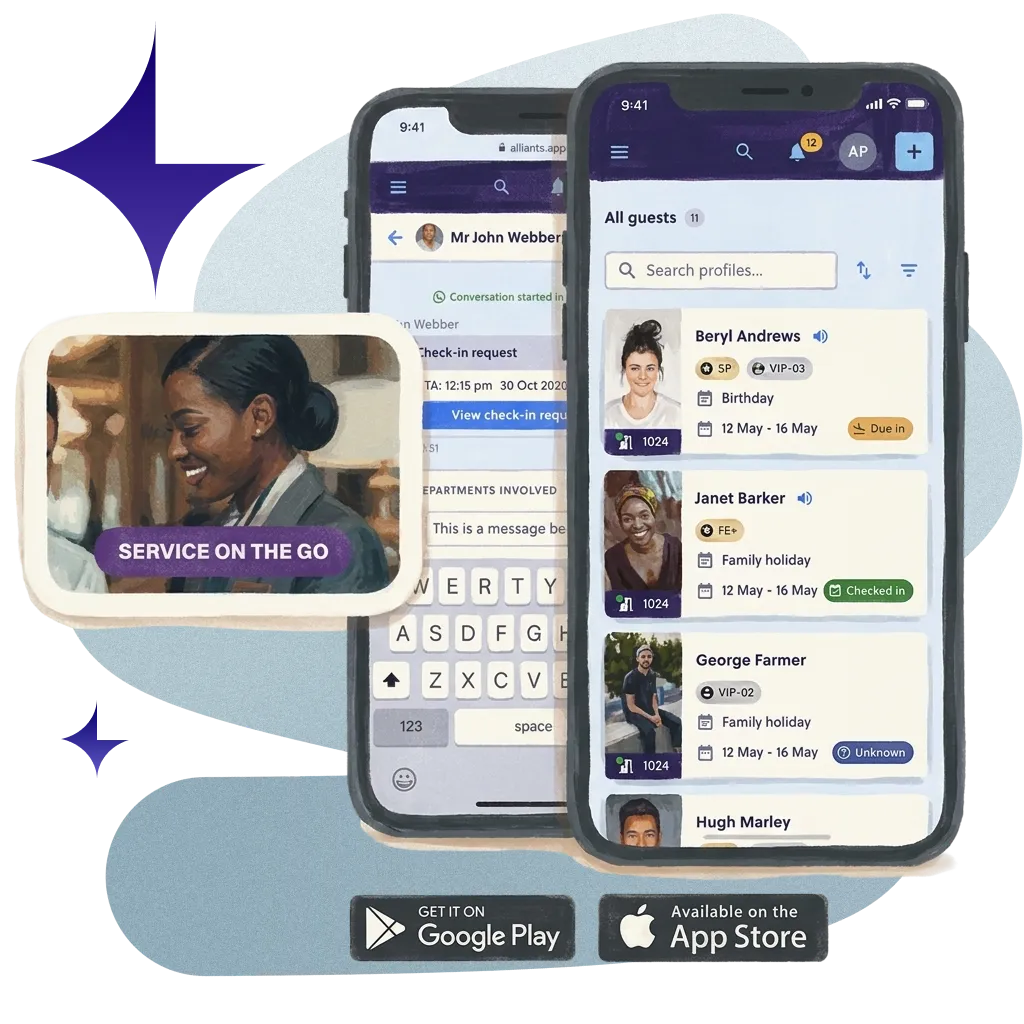
One Workspace for Every Shift
One workspace for every team member, on every shift, on whatever device is to hand.
在数十万间客房中,累计接待了7000多万名宾客。
















































Start every shift on one page.
Every shift starts on one page: arrivals, VIPs, departures, room readiness, open issues and the overnight handover.


Works on Any Device
The same workspace on desktop, tablet and phone, in any modern browser. Add it to the home screen; there is nothing to install.

Never Miss a Guest
Unread counts on the browser tab, a soft chime for each new message or request, and a bell for alerts that need you.

Find Anything Fast
Search for any guest from anywhere with one shortcut, and save the views your team uses most for yourself, a property or the brand.

Quick, Secure Sign-In
Staff sign in with a passkey, using Face ID or a fingerprint, with single sign-on and two-step checks where you need them.
真实的酒店。
真实的评价。
真实的评价。
来听听那些每天与我们合作的酒店团队怎么说。
让普通的
实现自动化,创造非凡价值
VIP at 15:00. Suite ready by 14:00.
Today's VIPs and room readiness on one page. The welcome's planned. Even the flowers know their cue.

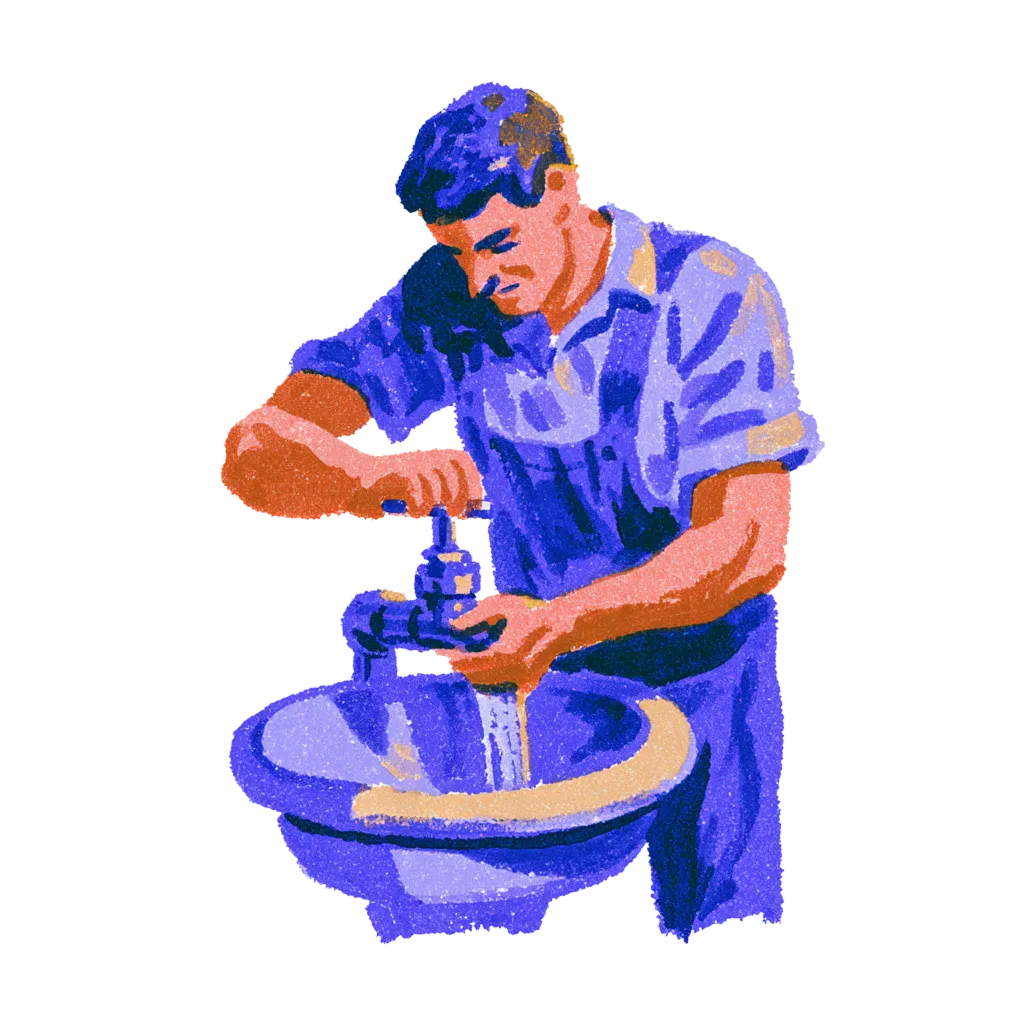
Leak in 207 at 03:00. Morning team knows.
The overnight handover waits on the Today page. Nobody asks the guest to explain it twice.
Extra blanket, Room 312.
Ding. Delivered.

您的系统,终于能够相互通信了。
您不需要更多的软件,而是需要更少但能协同工作的工具。Alliants 将整个住宿体验整合到一个平台。



立即升级您的数字化宾客体验。
凭借数十年的酒店业专业知识,我们的经验丰富的专家深谙如何为您的酒店带来变革。

有问题吗?答案在此。
给想了解具体运作机制的酒店从业者的直白解答。
基础知识
What is the Staff App?
It is the workspace every hotel team member uses. It brings the day's briefing, guest search, conversations, requests and bookings into one app with shared navigation, alerts and shortcuts.
Who uses the Staff App?
Front office, concierge, guest services, operations and management teams. Each person sees only the modules, settings and properties their permissions allow.
Is it a separate product from the other Alliants modules?
No. It is the front end of alliants.ai. Each module, such as Messaging, Concierge, Contactless, Keys or Engage, appears in the same app when it is switched on for your brand.
致您的团队
What does a shift start with?
The Today briefing for the selected property: headline counts, an attention banner, arrivals and departures, VIP arrivals, an hour-by-hour timeline and room readiness. Open issues with service-level timers, the overnight handover and a morning report that refreshes through the day sit on the same page.
How do staff find a guest quickly?
With Cmd/Ctrl-K from any page, which shows recent guests and stay status in the results. Staff can also find a guest by booking confirmation number, and save filters and views for themselves, a property or the whole brand.
How will staff know a guest is waiting?
Unread conversation counts show on the browser tab, a short chime plays for each new message and service request, and a bell in the top bar collects alerts such as an overdue service order. New arrivals are also announced to screen readers.
Can staff work on several guests at once?
Yes. Staff minimise up to five open items, such as a booking, to a taskbar, and new requests dock beside the page they are on. Unsent replies and notes survive a refresh, and staff who cover several properties switch between them from one selector.
Is there an AI assistant, and who controls it?
Yes, if you choose to switch it on. The assistant is optional for each brand and needs its own permission, so you decide who can use it. Staff open it from any page with Cmd/Ctrl-J and can ask about today's briefing in plain words.
设置与集成
Which devices does the Staff App work on?
Any modern browser on desktop, tablet or phone. Pages adapt to a phone screen, and staff can add the app to a phone or tablet home screen and open it full screen. There is nothing to install.
Which languages does it support?
Seven: English, German, French, Spanish, Simplified Chinese, Traditional Chinese, and Arabic, which switches the whole interface to a right-to-left layout. Date and time pickers follow each user's language and region.
What do we need to set up?
Very little. The Staff App is included with every alliants.ai brand. You choose whether staff sign in through your own identity provider, and optional features, such as multi-factor authentication and Academy, are set up for your brand during onboarding.
安全与数据
Alliants 是否通过了信息安全认证?
是的。Alliants 已通过 ISO 27001 认证。安全措施已深度融入平台,涵盖从员工登录到访客数据存储及删除的各个环节。
我们的数据托管在哪里?
On Amazon Web Services, in one regional deployment for your brand: Europe, the United States or Asia Pacific. Each brand has its own dedicated database, and data is encrypted in transit.
我们的员工如何签到?
With your own single sign-on, so access follows the groups in your staff directory, or with passkeys using Face ID, a fingerprint or a device PIN, and passwords that meet your brand's rules. Multi-factor authentication can be required for your brand, and sessions end after a period of inactivity, with a warning first.
Can we control who sees what?
Yes. Permissions are role-based and scoped per property, and navigation, search and every module entry are shown only to people who hold the matching permission.
What happens to unsent drafts on a shared front desk computer?
They stay in that browser tab only. Unsent drafts expire after 24 hours and are cleared at sign-out, and everything the app keeps in the tab is cleared when the tab closes.
入门指南
How do we get the Staff App?
It is included with every alliants.ai brand. The modules each person sees depend on what is switched on for your brand and the permissions they hold. Talk to our team about how it is packaged for your properties.
我们怎么才能看到它运行的效果呢?
Talk to our team. We will show you the module running in a hotel like yours and talk through how it would fit your properties and systems.
还有其他问题吗?
或者您想直接开始吗?
与真人沟通。我们深谙待客之道。
Alliants Staff App
配合以下内容使用效果更佳:
每款Alliants 产品都读取同一份访客档案,因此每款产品都能让下一款产品更加实用。

Alliants Messaging
Every guest, every language, in one shared inbox.

Alliants Agents
Routing and escalation that run quietly in the background.

Alliants Insights
One clear view of how every hotel performs.

Alliants 核心平台
One trusted profile for every guest, across every property.
经过认证、值得信赖且安全可靠